 Social Media Engine Help
Open User settings to change your profile and personal preferences. Use this page for settings tied to you rather than a Brandspace.
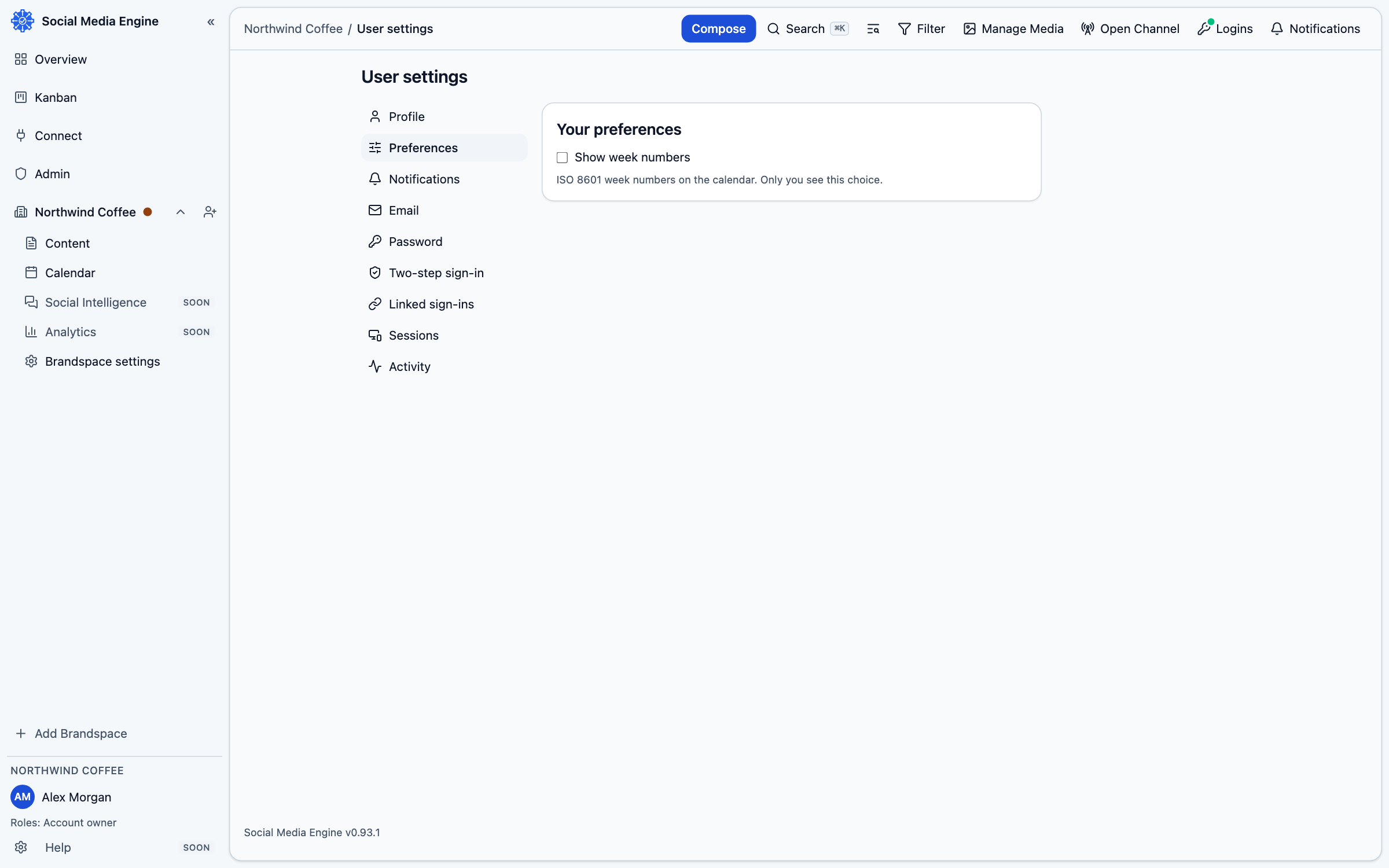
Open User settings
User settings belongs to you as a person, rather than to the current Brandspace. It has sections for Profile, Preferences, Notifications, Email, Password, Two-step sign-in, Linked sign-ins, Sessions and Activity. The Account area also shows the account name, plan label and Brandspaces connected.
- Open the account/profile area in the sidebar.
- Choose User settings.
- Select the section you want from the list.
- Change the fields the selected section provides and follow its save action.
Account and Brandspaces
The Account section lists the Account name and plan label and shows the Brandspaces connected. It is a summary of the Account, distinct from a Brandspace’s own settings. If you need to add or rename a Brandspace, see Brandspace; if you need to change a brand’s details, see Brands and products settings.