 Social Media Engine Help
A Brandspace keeps its brands, people, posts and media together. Choose one when you need to separate work and access from another area.
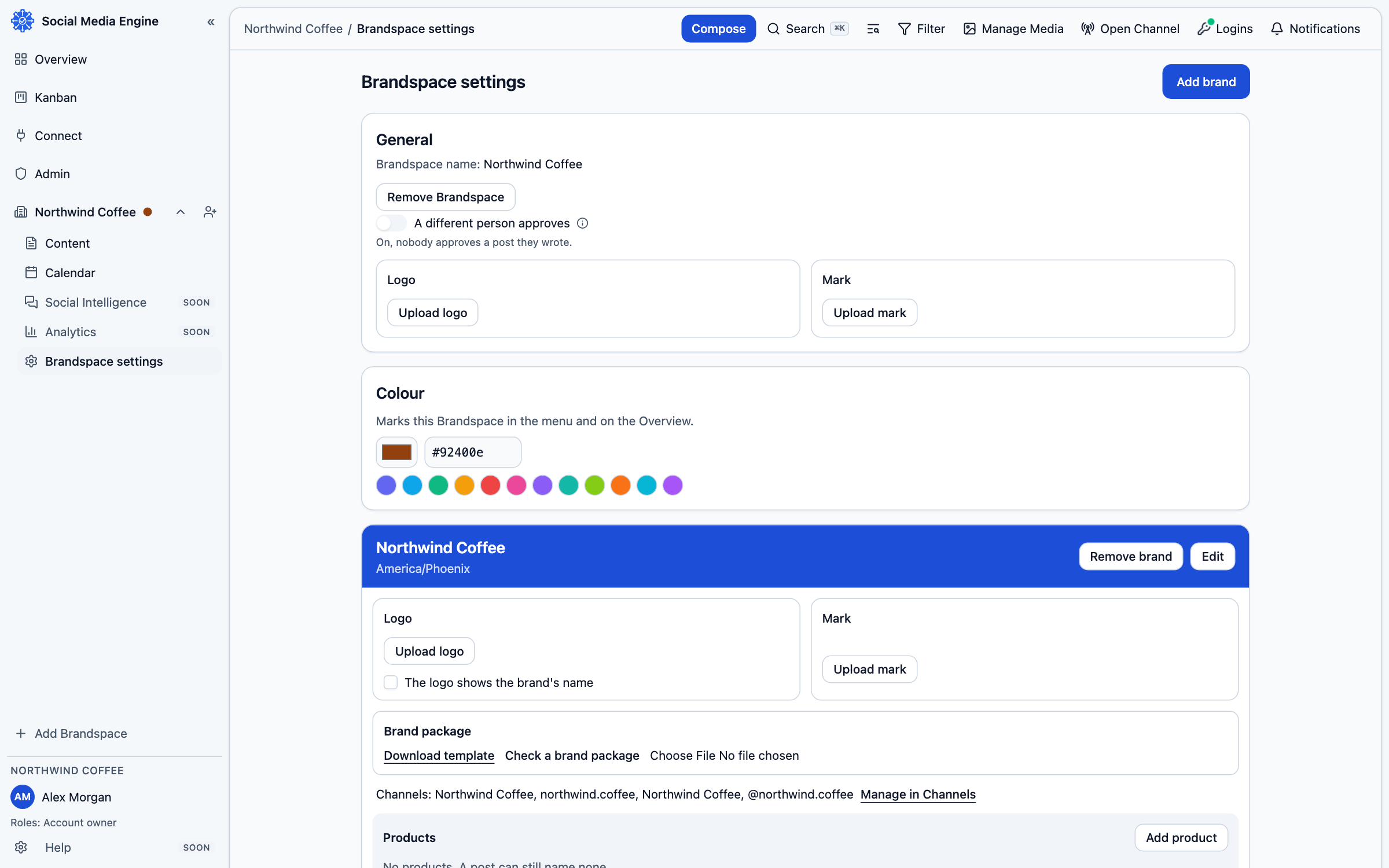
Choose a Brandspace for each area of work
A Brandspace is the working area you open in SME. Each has its own brands, people, posts and media. If your brand is one business area, it can begin in a Brandspace also named your brand. Separate work that should have separate people or content into another Brandspace. Do not create a second one just to represent a product under the same brand.
Open or add a Brandspace
- Open the Brandspace menu in the sidebar to see the Brandspaces connected to your Account.
- Select the name you want to work in. The current Brandspace controls the pages that use that context.
- If you own the Account and need another business area, choose Add Brandspace, enter its name and add it.
- Open Brandspace settings to review its brands and members.