 Social Media Engine Help
Add images from your device or Media library while preparing a post. Check the selected channel’s media requirements before saving.
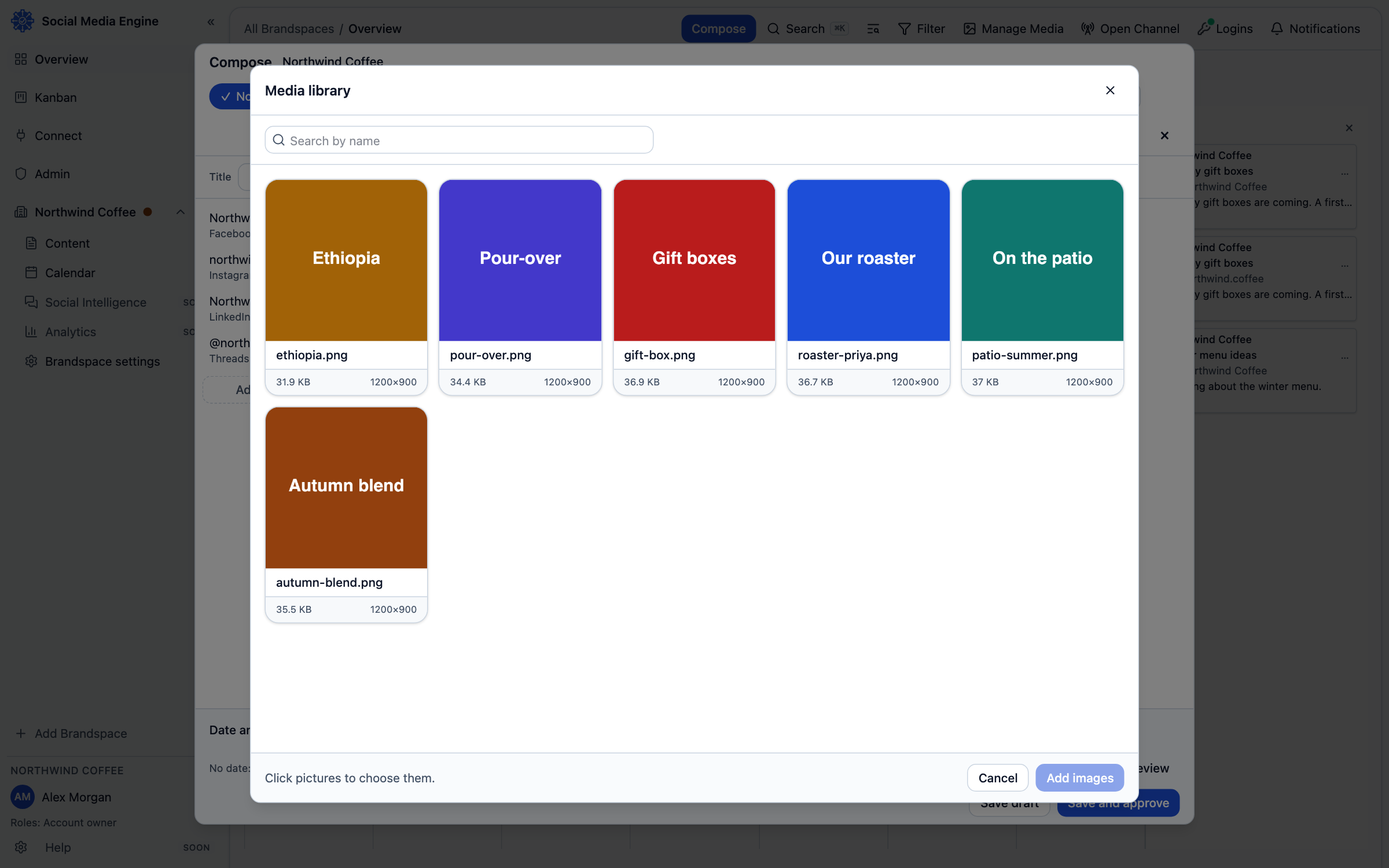
Add media to Compose
You can add files directly or reuse files already in a Brandspace library. The media window lets you select several pictures and add them to the post in the order chosen. A picture can also be dropped onto Compose. Your library can store video, but a stored video is not automatically postable: SME marks video Can't be posted yet when the publisher cannot send it.
- Open Compose and choose Add images or Media library.
- To upload from your computer, choose files or drop them in the upload area.
- To reuse library pictures, click each picture you want in the media window.
- Review the selected count and choose the add action.
- In Compose, remove or reorder media if needed, then check the preview.
Check channel limits
SME checks each platform's requirements. Instagram needs at least one image or video, accepts up to 20 JPEG images at 8 MB each, and checks the image shape. Threads allows up to 20 JPEG or PNG pictures at 8 MB each. LinkedIn has image types and size checks; Facebook’s catalog does not set a fixed image count or byte limit. The publisher’s video support varies; do not assume a library video can be posted.