 Social Media Engine Help
Use the Account, Brandspace, brand, product, login and channel levels to put work in the right place. This guide helps you choose which one to add or manage.
Start with the people and work area
Your Account contains Brandspaces. Each Brandspace holds the people, brands, posts and media for that area of work. A Brandspace is kept separate from another one, so choose a clear name for the work people will do there. your brand can use a Brandspace with the same name while its team starts out.
A brand represents a name the audience knows. Its channels are the destinations where posts appear. Products live under a brand and can identify the subject of a post. A login is your own sign-in to a platform, which can make one or several destinations available. These ideas are expanded in Brandspace, Brand, Product, and Channel and login.
Find the right screen
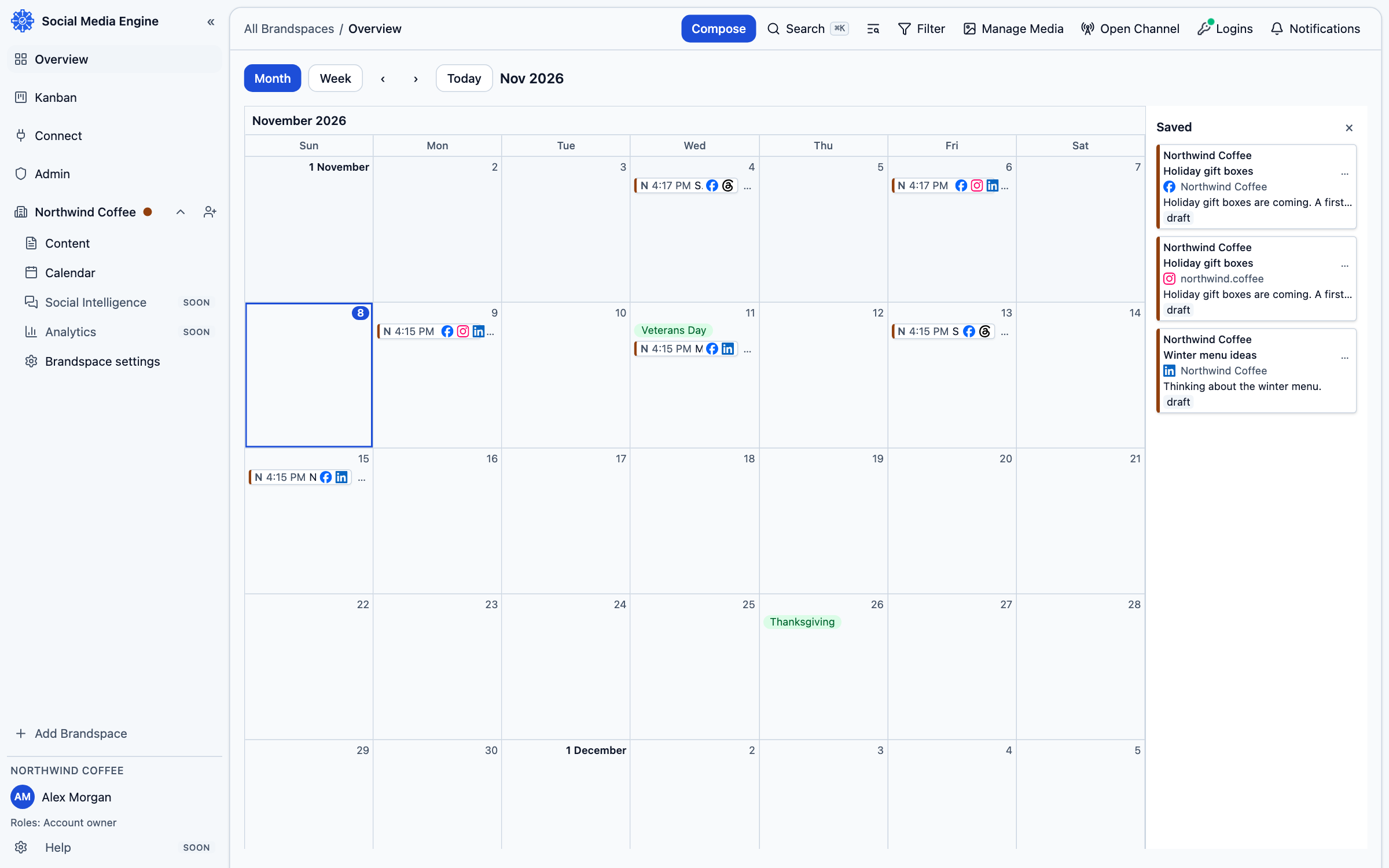
The sidebar opens pages for a Brandspace, including Brandspace settings, Calendar, and Kanban. Connect contains Logins and Channels. The top rail includes Compose and Logins; Manage Media opens the media area. Your profile menu leads to User settings.
- Use Brandspace settings to manage brands and products.
- Use Connect to connect your sign-in and choose destinations.
- Use Compose to prepare a post for one brand and its channels.
- Use Calendar to see dated work and Kanban to follow its state.
- Use Manage Media to organise files in a Brandspace library.