 Social Media Engine Help
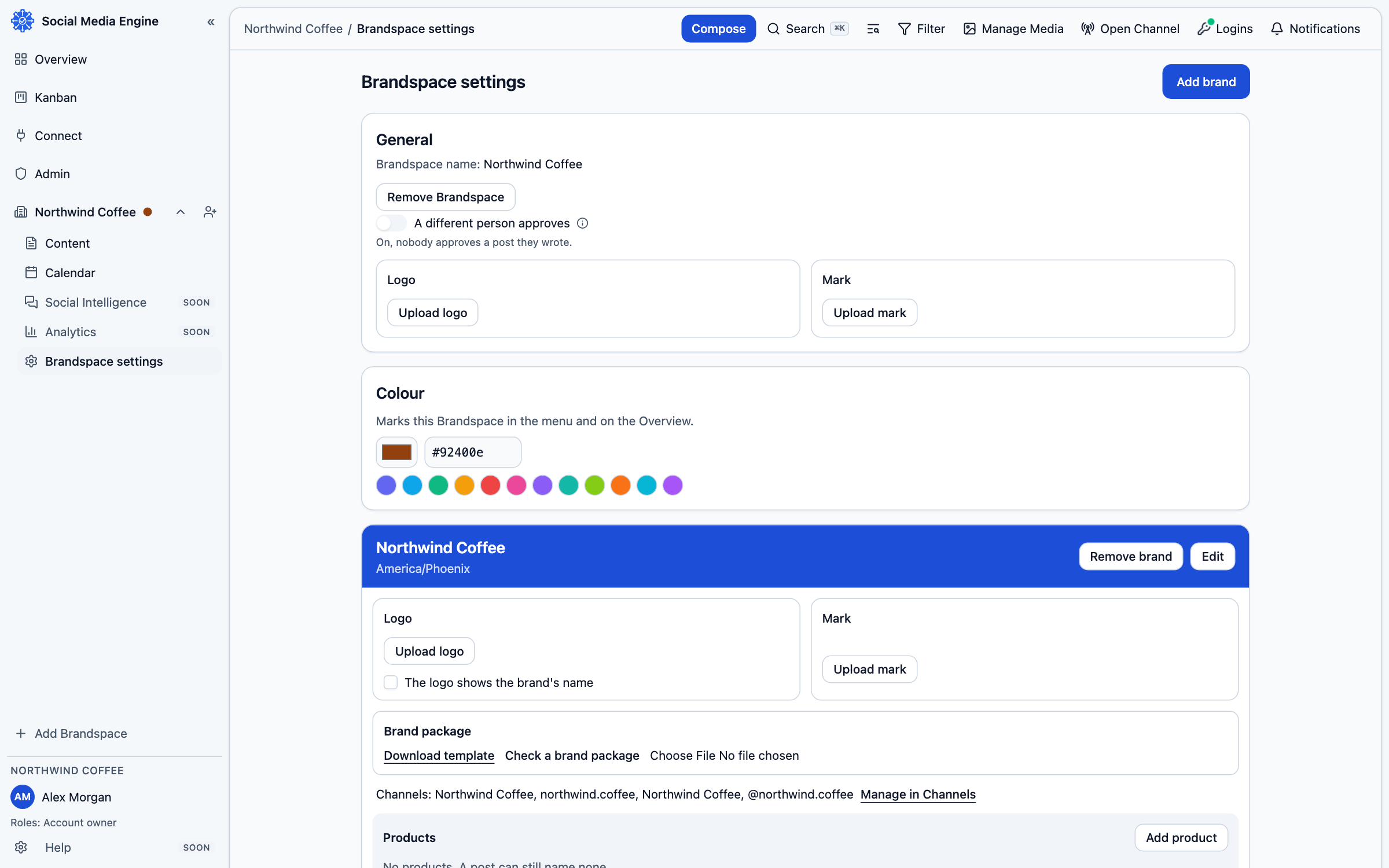
Create a brand for the audience identity behind your posts. Use its settings to manage the name, time zone, channels and brand material.
Give the brand a clear identity
A brand belongs to one Brandspace and has its own channels, logo and brand package. Every post is written for one brand, even when it is sent to more than one channel. Keep posts for one audience identity under its brand; use products to label distinct topics. The brand’s time zone is used when dates and times are shown.
Add or update a brand
- Open Brandspace settings.
- Choose Add brand to create one, or Edit on the brand card to change its details.
- Enter the name and other fields shown in the form, then choose Save.
- Add a logo or brand package where those controls are available.
- Use Manage in Channels to open the channel management page for its destinations.