 Social Media Engine Help
Review the post’s copy, media and channel versions before you approve it. Use these steps for posts in Awaiting review.
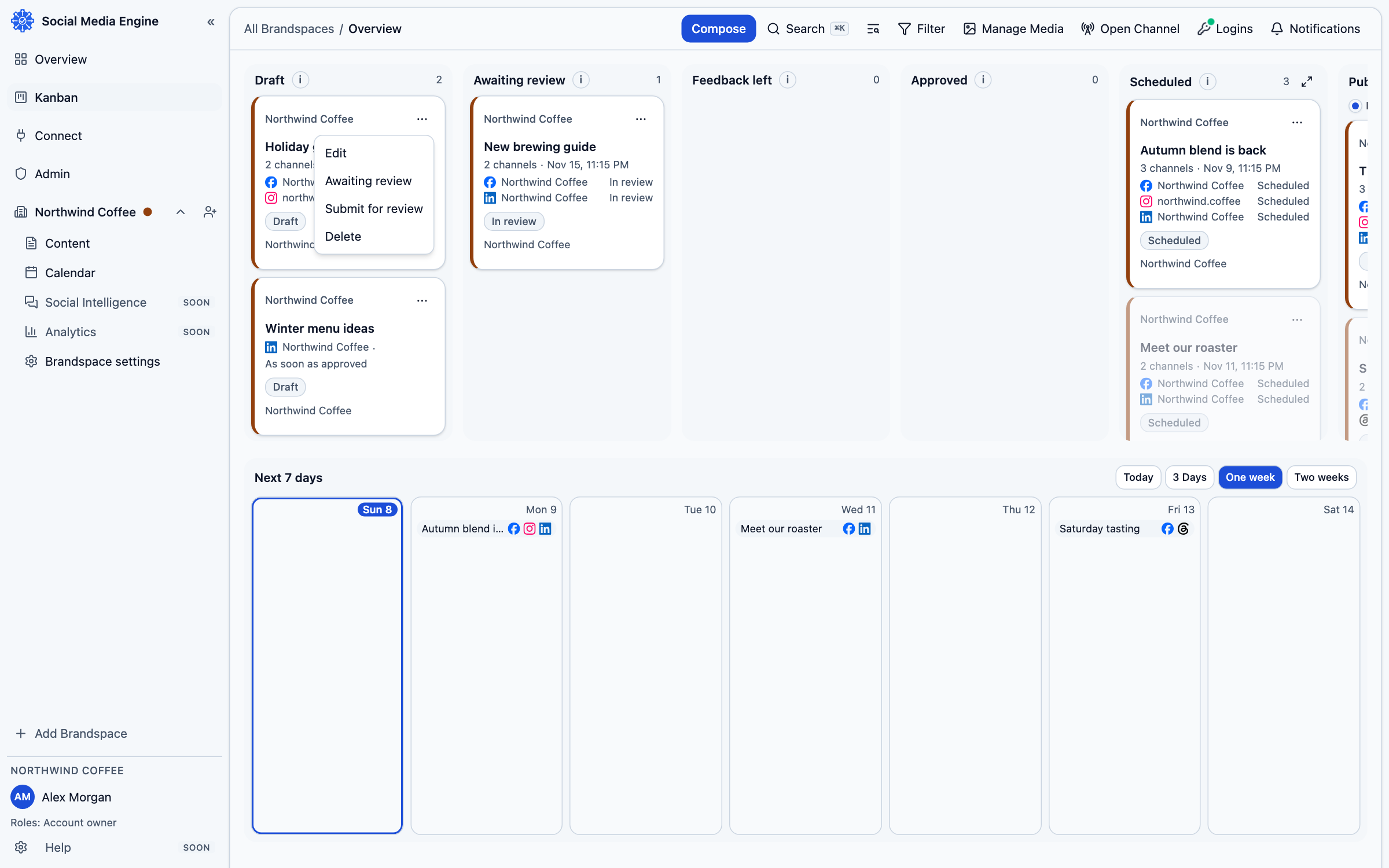
Review what each channel will receive
Approval applies to the exact content you reviewed. Open the post and inspect every channel version, its media and its preview. Check the brand and date as well. If any content changes after approval, SME returns the post to review so the changed version can be checked.
- Open Kanban.
- Find the post in Awaiting review and open its card.
- Read the copy and inspect Versions for each channel.
- Check media and Preview, then review the date and time.
- Choose Approve if the post is ready.
Send useful feedback
If the post needs work, choose Request changes and provide at least one specific defect. The post moves to Feedback left for revision. Be clear about which channel, wording, image or timing should change so the writer can make a targeted update. After the writer revises and submits again, review the new content afresh.