 Social Media Engine Help
Connect a Facebook login that manages a Page, then select that Page as a channel. Facebook personal profiles are not publishing channels in SME.
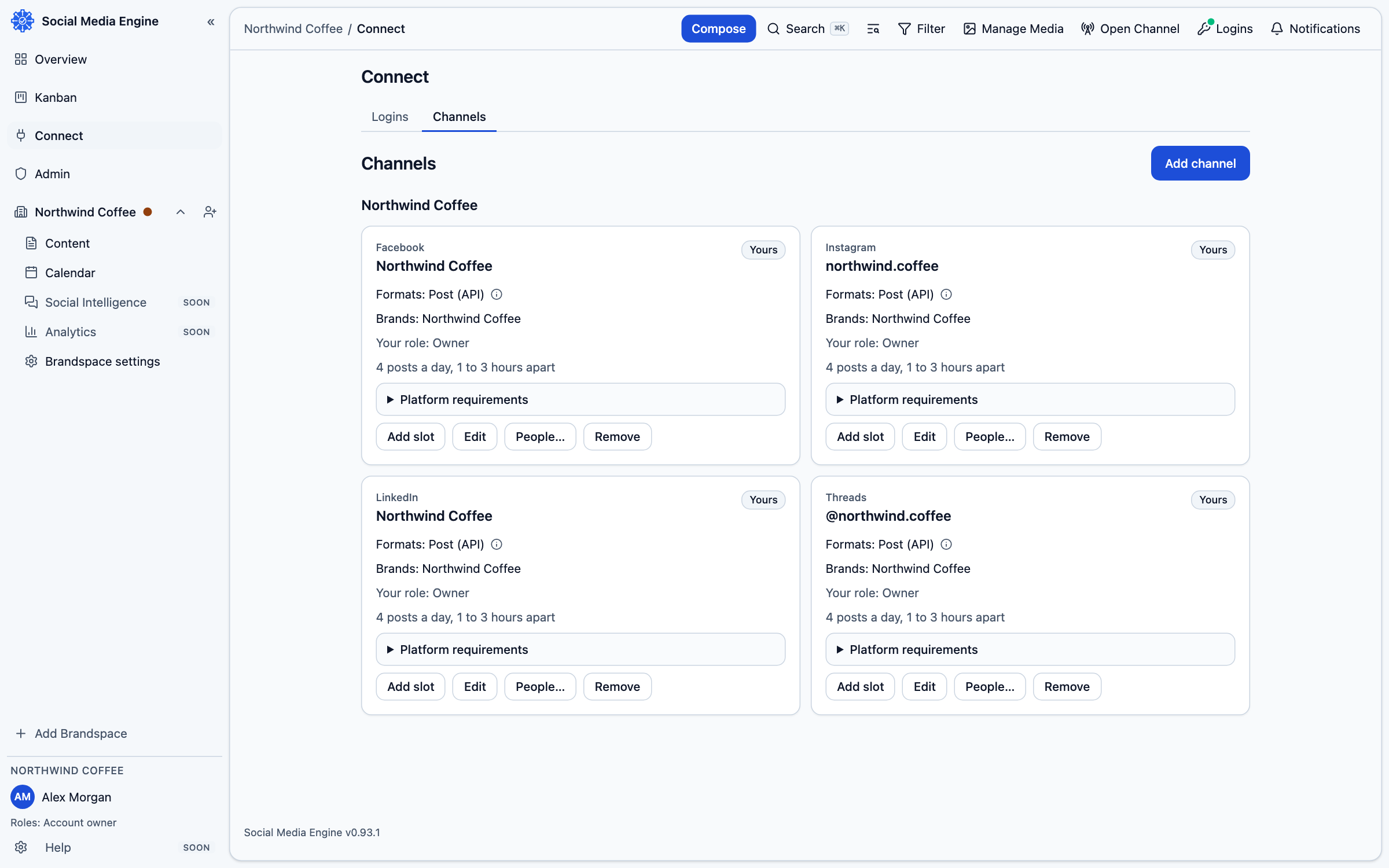
Check the account and post limits
A Facebook Page can publish plain-text posts and photos; the text limit is 63,206 characters. Facebook Page posts do not support native rich text in SME. Links can create a preview, and the Page needs to be selected as a channel.
Connect the right account
You need a Facebook login that manages a Page with content, management or moderation access. Personal profiles are not available as publishing channels. SME asks you to sign in on the platform’s own page and approve the requested access. Your password is not entered into SME.
Add Facebook to SME
- Open Connect, then Logins.
- Choose Add a login, then select Facebook.
- Complete the platform’s sign-in and permission screen.
- Return to SME and open Connect, then Channels.
- Select the Facebook Pages under Where to post, assign it to your brand and save the selection.
- In Compose, choose the channel and check the preview and any warning before saving.