 Social Media Engine Help
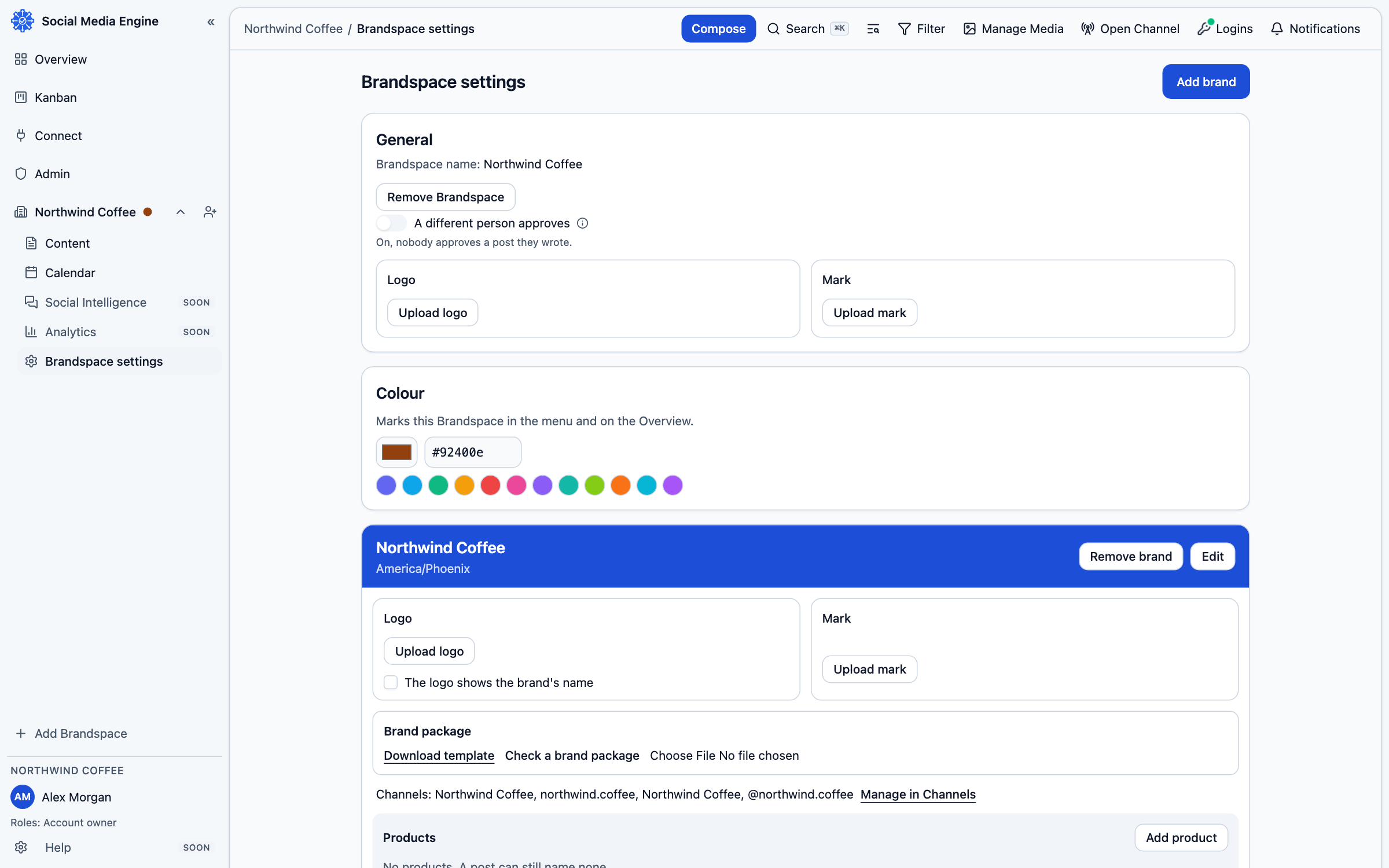
Add a product under a brand when you need to label posts about a specific offering or subject. Products use their brand’s channels.
Keep products under their brand
A product belongs to a brand and uses that brand’s channels. Use it when a post is specifically about one offering or subject. A product does not get a separate audience destination. If the offering needs its own audience and accounts, it should have its own brand and channels instead.
Add and maintain a product
- Open Brandspace settings and find the brand that owns the product.
- Choose Add product in that brand’s product area.
- Enter the product name and save it.
- When composing, choose the product if the post is about it; leave the product empty when it is not relevant.
- Use the product’s available menu actions to edit, move, archive, restore or delete it.