 Social Media Engine Help
Edit a brand or its products in Brandspace settings. Use this page when you need to update a name, logo, website or product list.
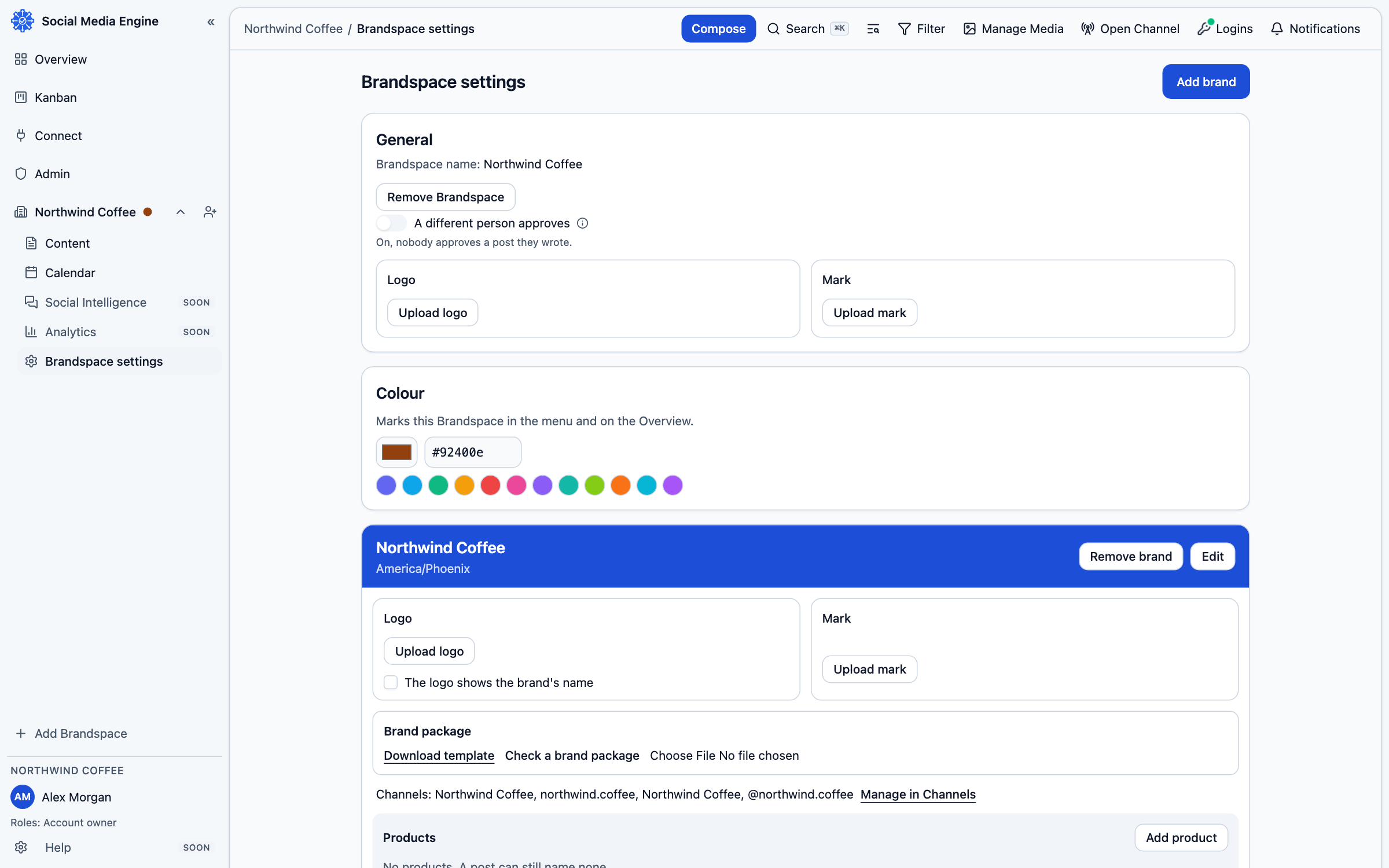
Edit a brand
Open Brandspace settings from the current Brandspace. Each brand appears in its own card with its name, time zone, optional website, channels and products. The card’s Edit button opens the brand form. Depending on your role, the page also provides logo and brand package controls. Channel destinations are managed separately on Channels.
- Open Brandspace settings.
- Find the brand you want to change and choose Edit.
- Update the fields you need and choose Save.
- Use the logo and brand package area when those materials need updating.
- Choose Manage in Channels to review destinations.
Maintain its products
Products appear under their brand. Add a product for a distinct topic, edit its name, move it to another brand when appropriate, or archive it if you want to hide it temporarily. A deleted product is removed for good, but its posts remain under the brand without the product tag.