 Social Media Engine Help
Manage who can work in a Brandspace and what they can do. Use the People area to invite or update access for team members.
Keep access scoped to the work
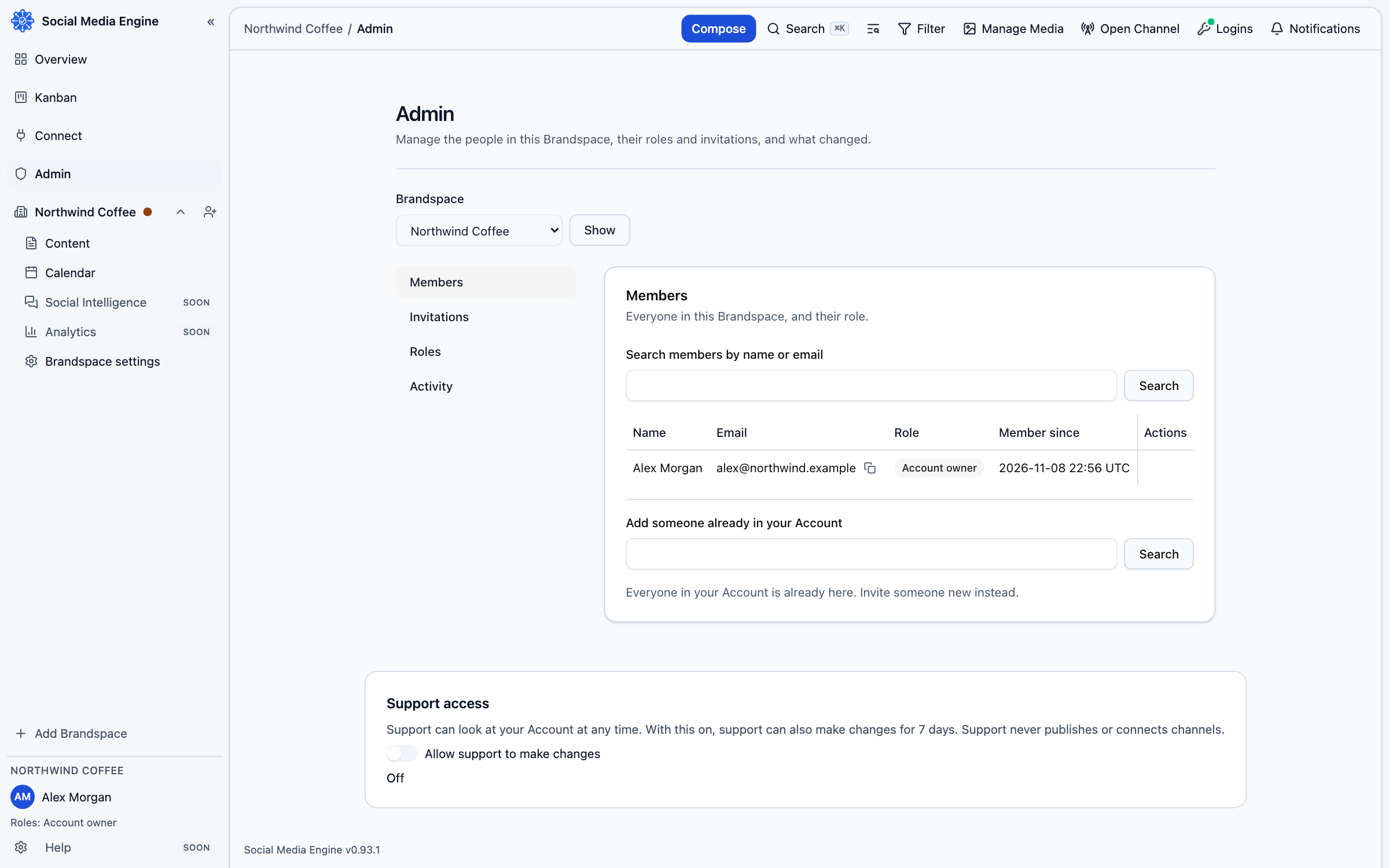
People work through membership in Brandspaces. Roles control which actions are available: owners and admins can change settings, while reviewers can review work. The account owner can also access Admin for account-level people and controls. A person’s access to another Brandspace is separate.
- Open Brandspace settings and select the members area for the Brandspace.
- Review the people listed and the role each person holds.
- Use the member controls available to your role to add or update access.
- Ask the person to sign in and confirm they can open the Brandspace.
Use Admin where needed
The Admin page provides account administration to authorised people. The People area lists account people and the controls supplied by the admin screen. The sidebar also includes User settings, which applies to your own profile rather than every member.